
 EN
EN




Download FM Season Hub
Install once and FMSH keeps itself up to date. The free version stores up to 3 seasons per save, with the Favorites tab unlocked.
FM26FM24
- Platform
- Windows 10 / 11 (64-bit)
- Price
- Free
- Account
- Not needed
By installing, you agree to the Terms & Privacy.
Works with your Football Manager
FMSH reads the game wherever it is installed. No file exports, no touching your save.
- Steam
- Xbox
- Epic Games
- Steam
For now FMSH runs on Windows only. The macOS version is being built. Follow along on Discord.
Six screens and done
A proper installer: it shows up in the Windows program list, creates shortcuts and never asks for administrator rights.
- 01
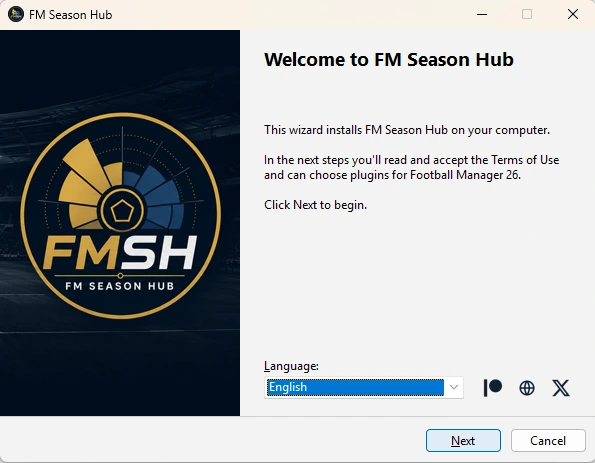
Welcome and language
The installer opens in your Windows language, and you can switch on the spot. Before moving on, you read and accept the Terms of Use.
 02
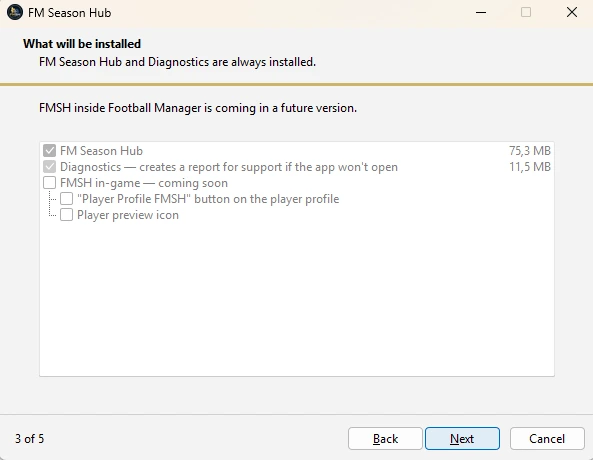
02What gets installed
FM Season Hub and Diagnostics are always installed. Diagnostics creates a report for support if the app ever fails to open.
 03
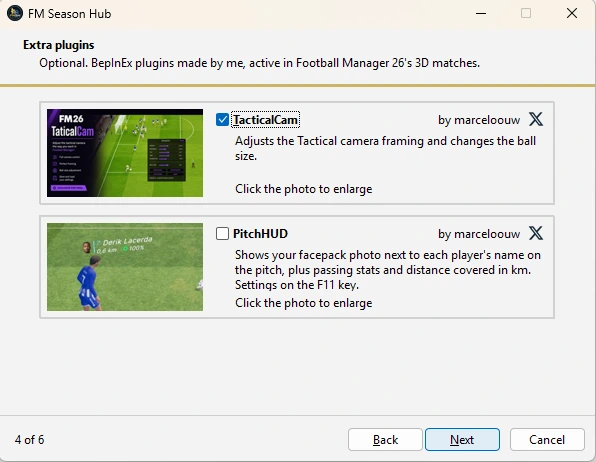
03Optional plugins
TacticalCam adjusts the Tactical camera framing; PitchHUD shows the facepack photo and stats next to each player’s name on the pitch. Your call.
 04
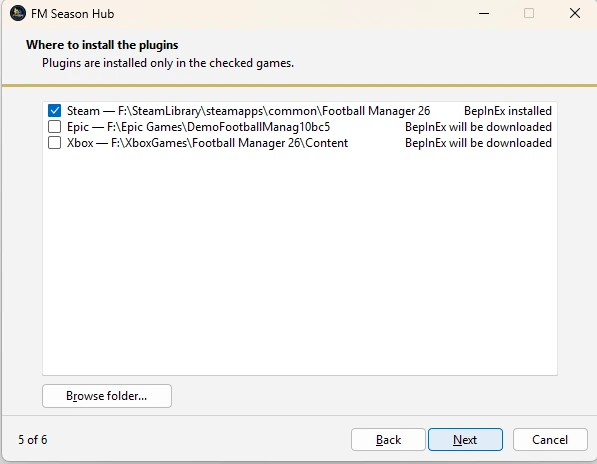
04Where to install the plugins
The installer finds FM26 on Steam, Epic and Xbox. If the game has no BepInEx, it downloads it from the official site.
 05
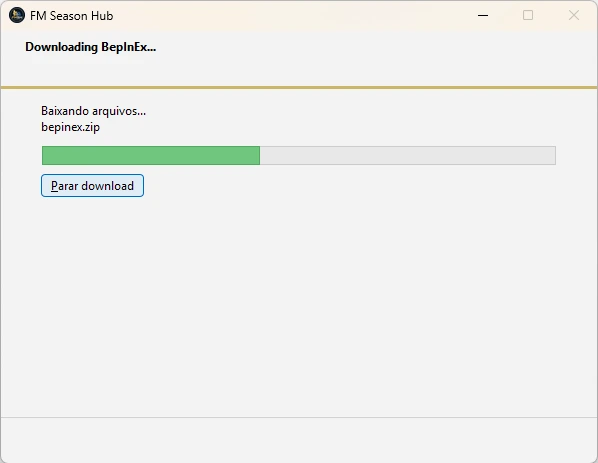
05BepInEx download
If the game does not have BepInEx yet (the plugin loader), the installer fetches the right version from the official site, verifies the file and installs it for you. You just watch the bar.
 06
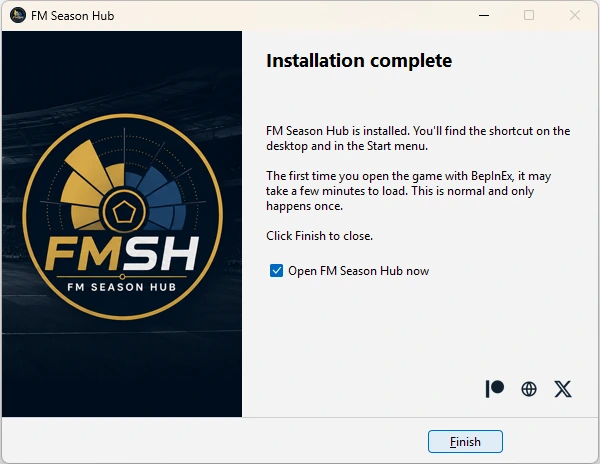
06Done
FMSH gets a desktop and Start menu shortcut. From then on, it updates itself when it opens.
Minimum requirements
- Operating system
- Windows 10 or 11 (64-bit)
- Processor
- 1 GHz or faster, with 2 or more cores
- RAM
- 4 GB
- Storage
- 1 GB to 10 GB free, depending on how many databases and seasons you keep