
 EN
EN



FM Season Hub: Analysis, scouting and moneyball in Football Manager
Track Football Manager (FM26 and FM24) while you play, keep every season, and compare players with filters, match ratings and full profiles.
WindowsFM26FM24
Logos, suggested thumbnails, 4K screenshots and suggested copy in three languages. · 22 MB
Logos
We suggest using the files from the pack: they come in high resolution with a transparent background.




Suggested
- Place the logo in a corner of the thumbnail, small and readable
- Use the emblem alone when space is tight
- Leave clear space around the logo, at least half its height
Better to avoid
- Stretch, rotate or crop the logo
- Change its colors or add effects (glow, outline, heavy shadow)
- Put the logo over a busy image where it gets lost
Colors and fonts
Suggested palette: navy for the background, gold only for what matters. Click a color to copy its code.
Barlow Condensed
Inter Regular 400
Suggested thumbnails
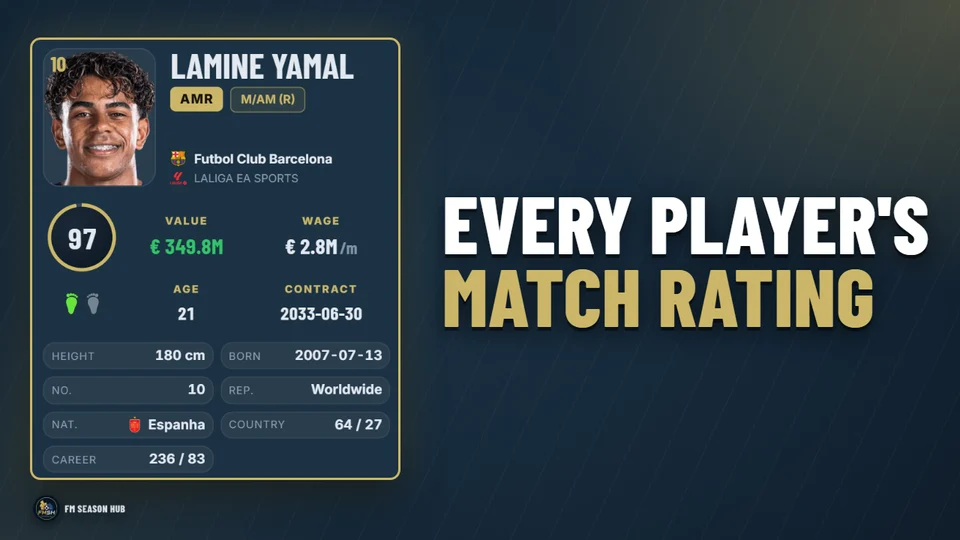
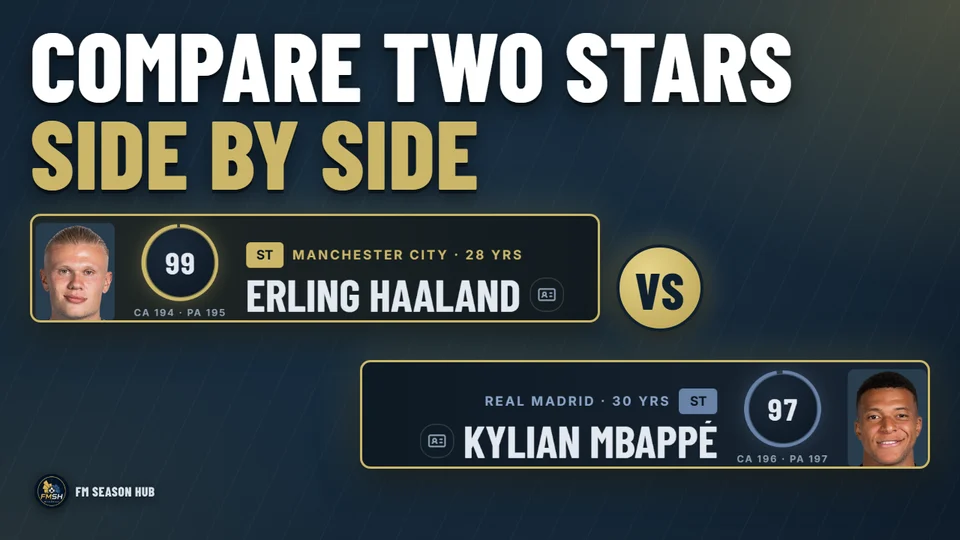
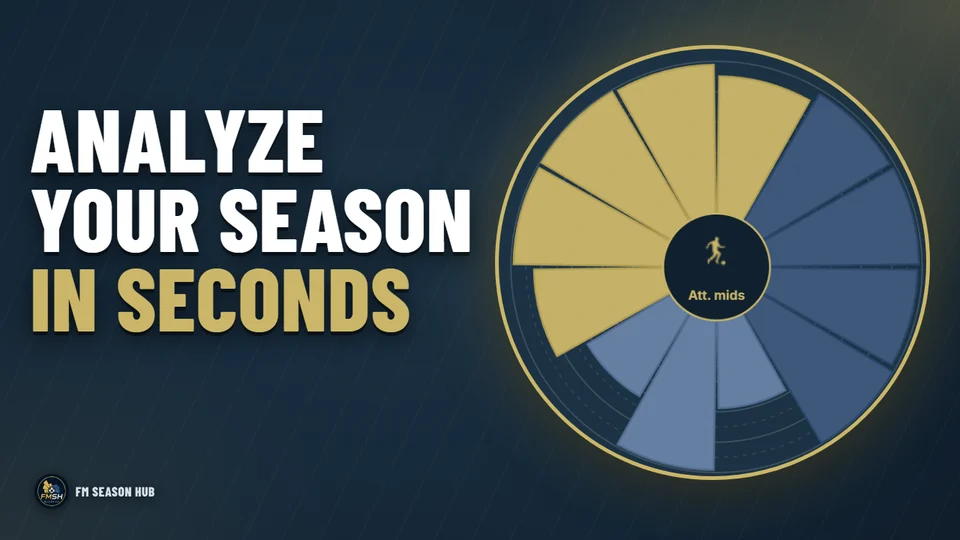
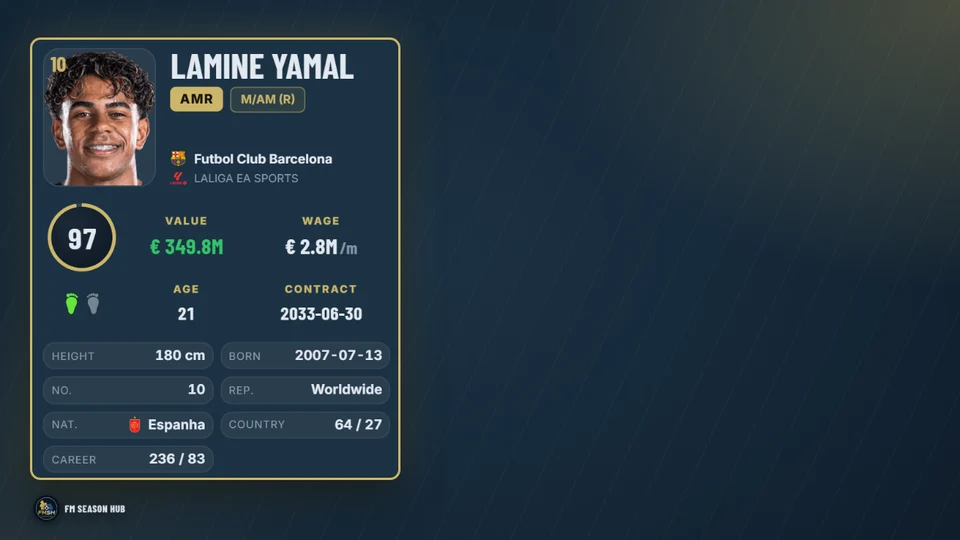
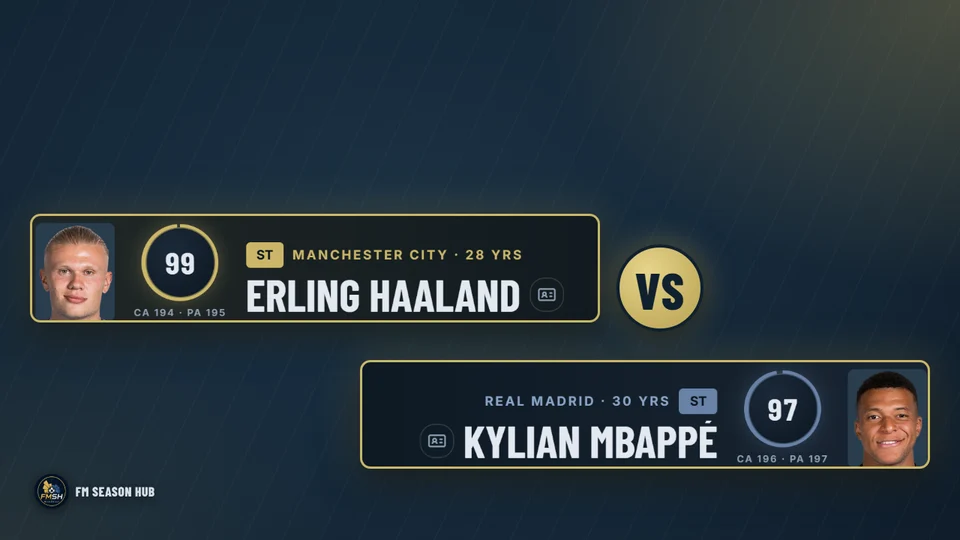
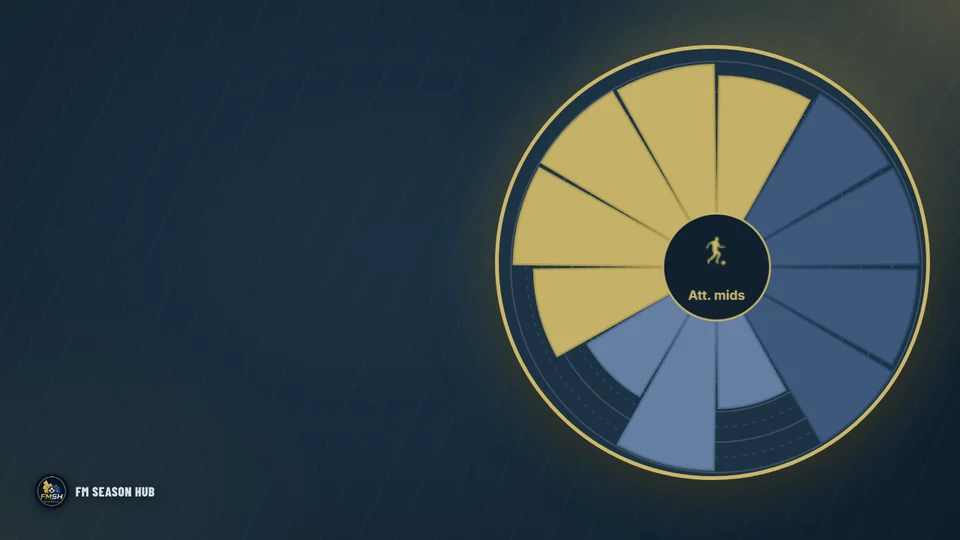
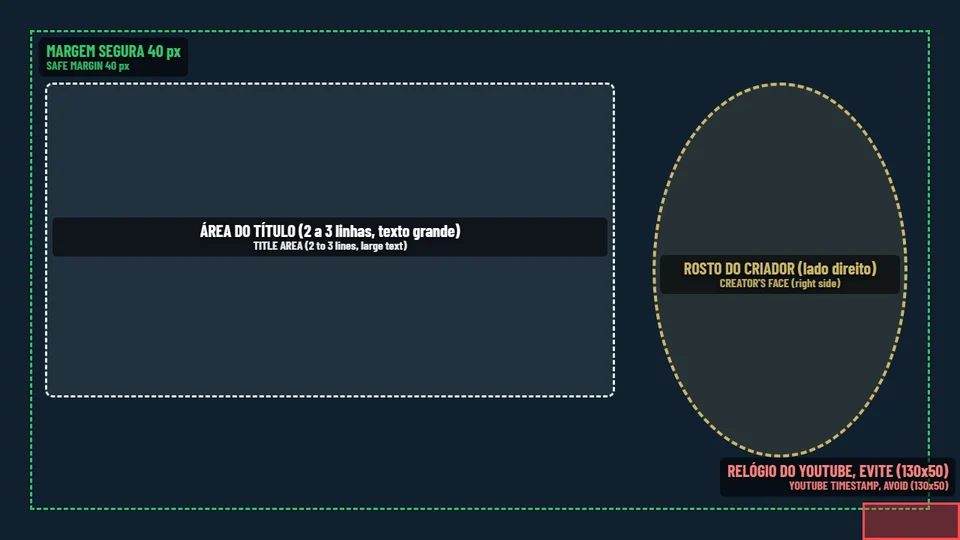
Suggested thumbnails to use as they are or adapt, plus blank bases for your own title and face.
- 1280 × 720 px · 16:9
- Up to 2 MB (YouTube limit)
- Keep the bottom-right corner clear: the video length goes there
- Title with at most 5 words per line
Official screenshots
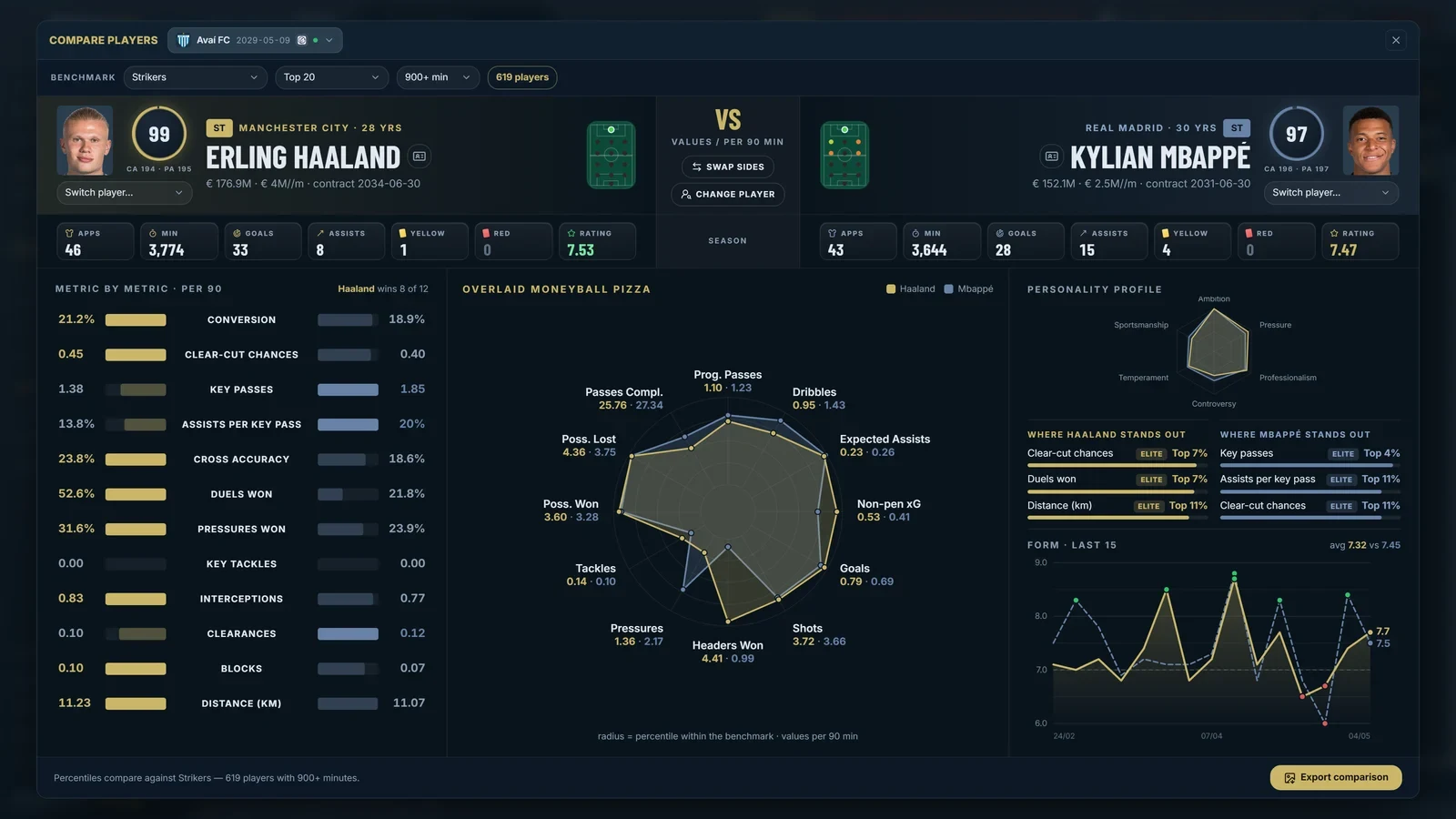
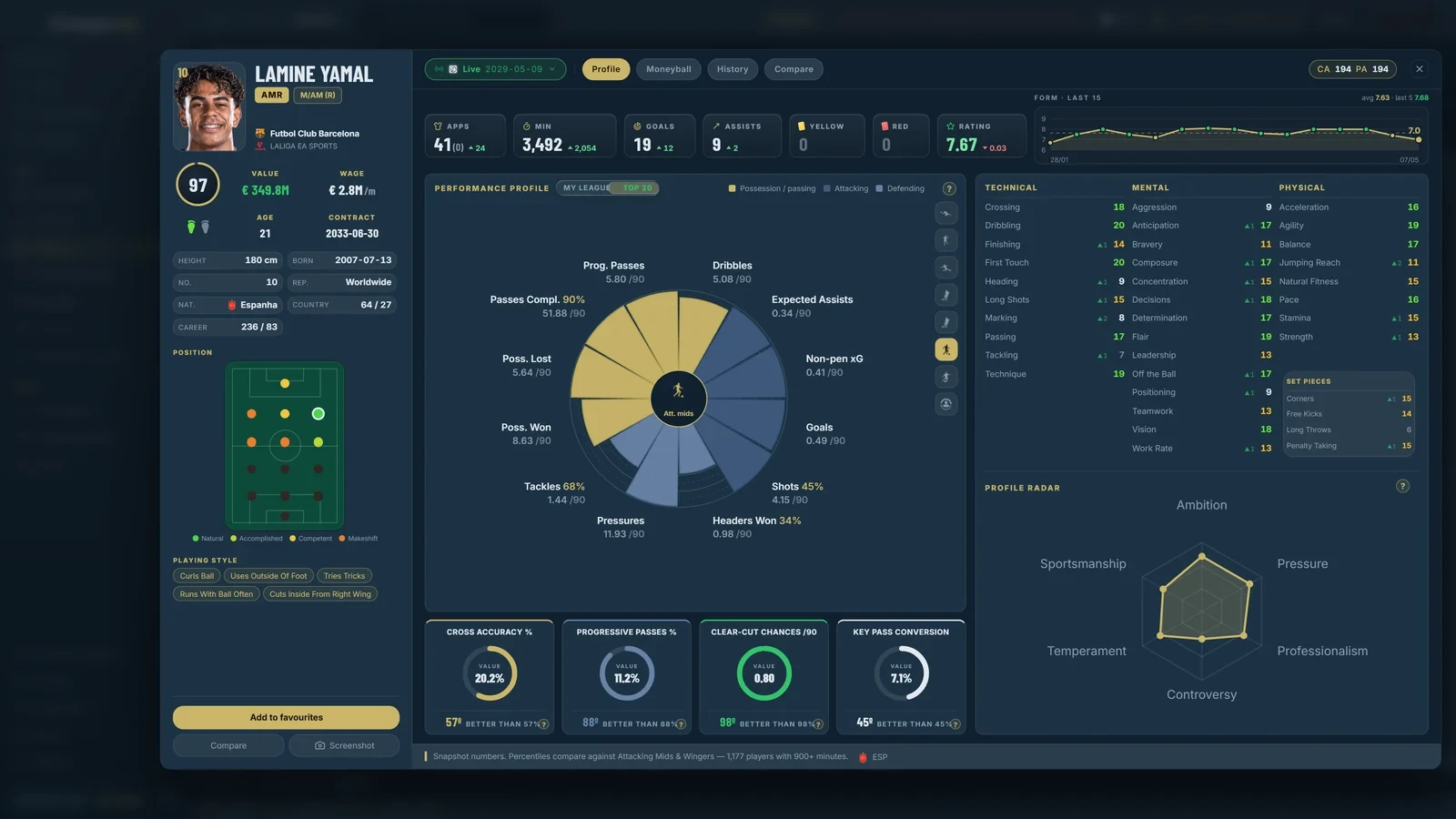
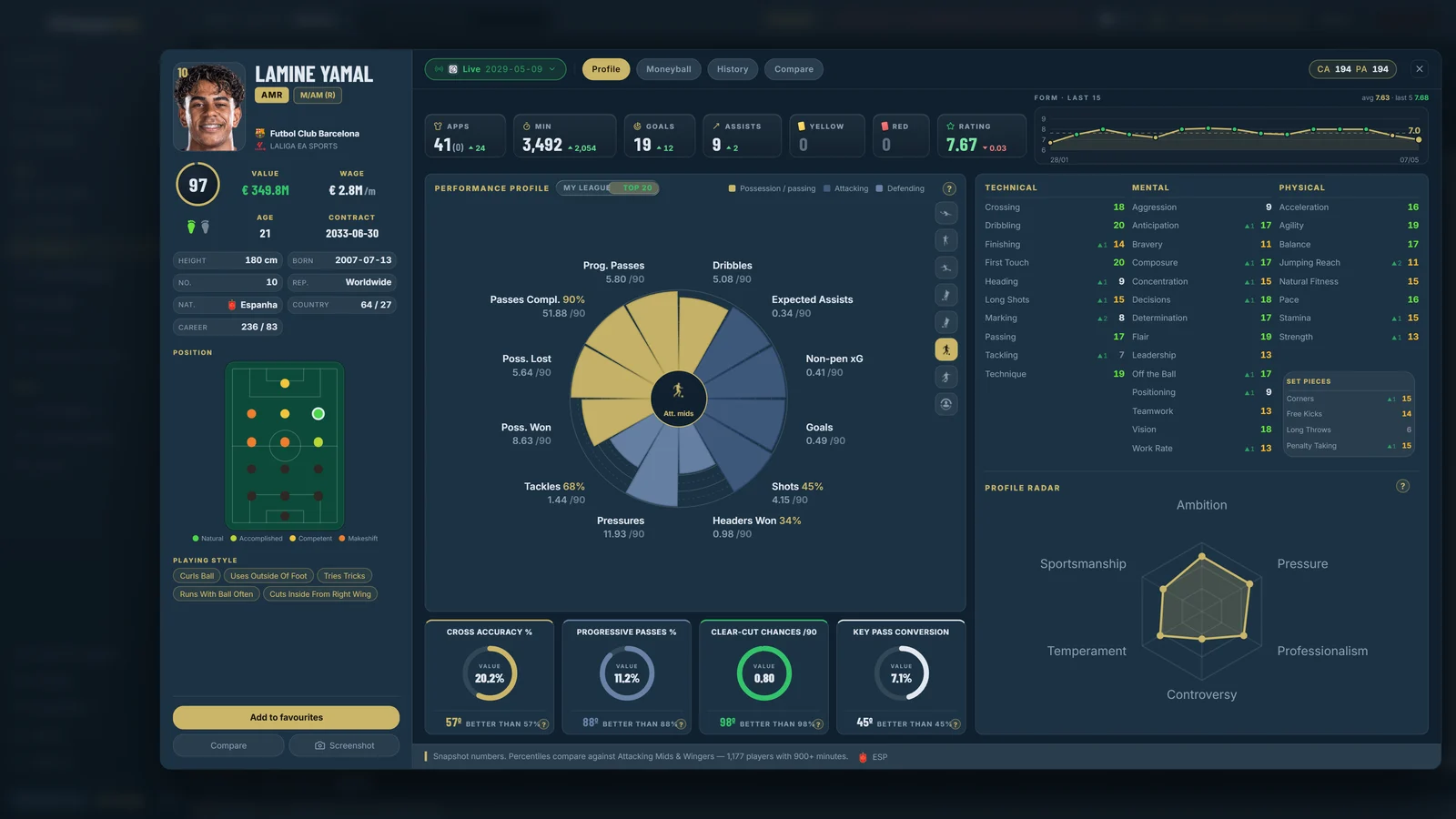
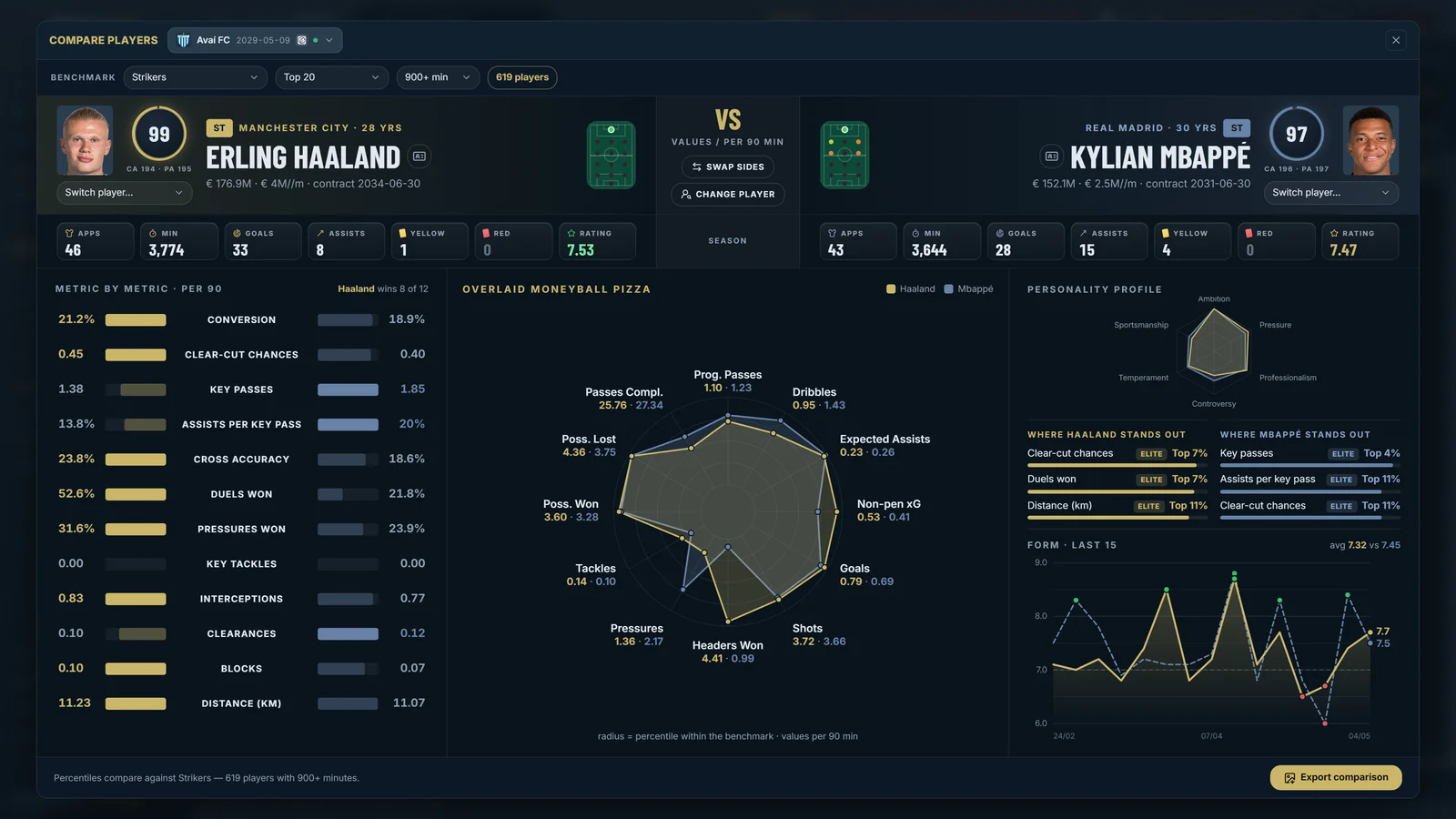
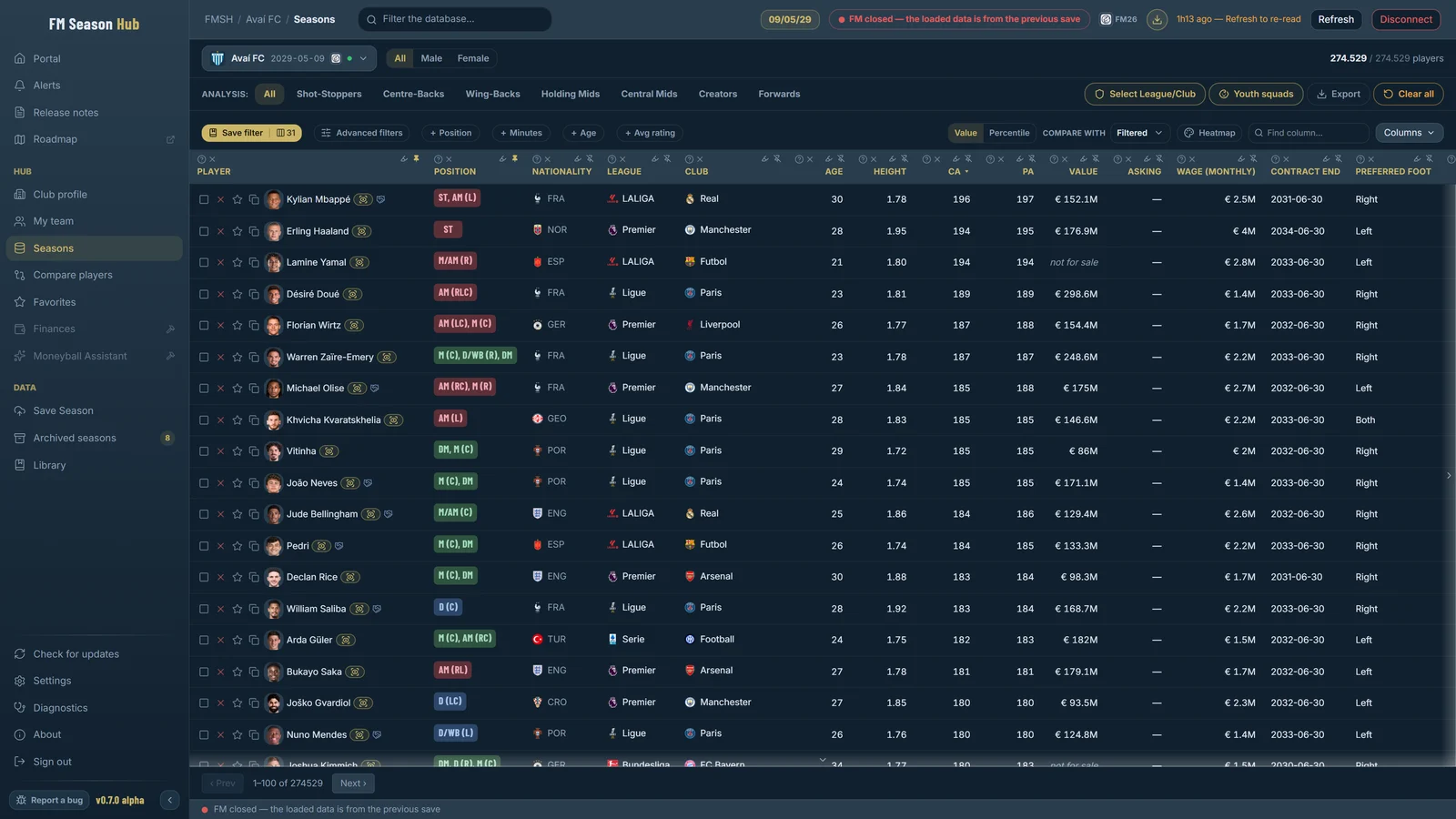
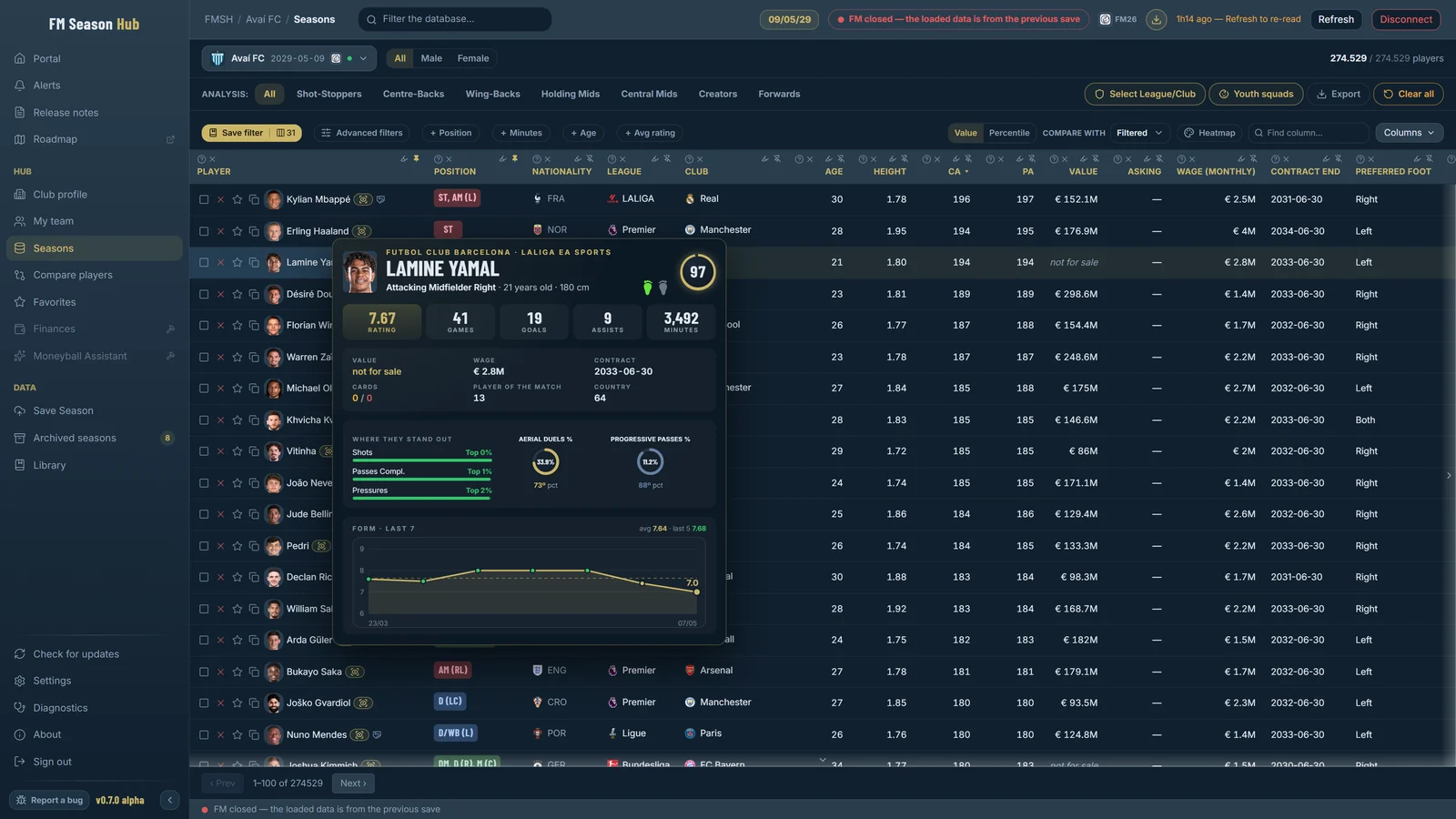
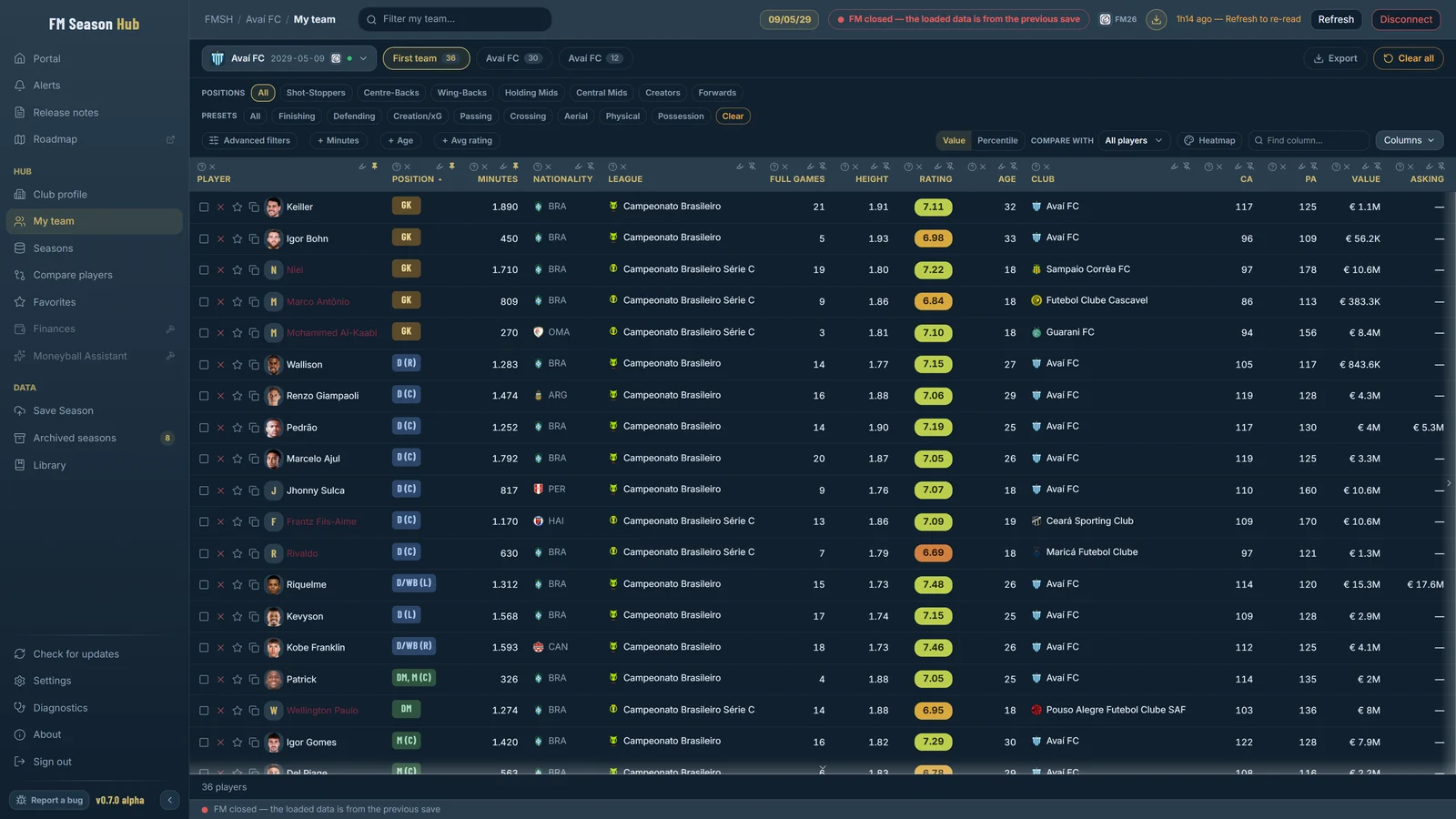
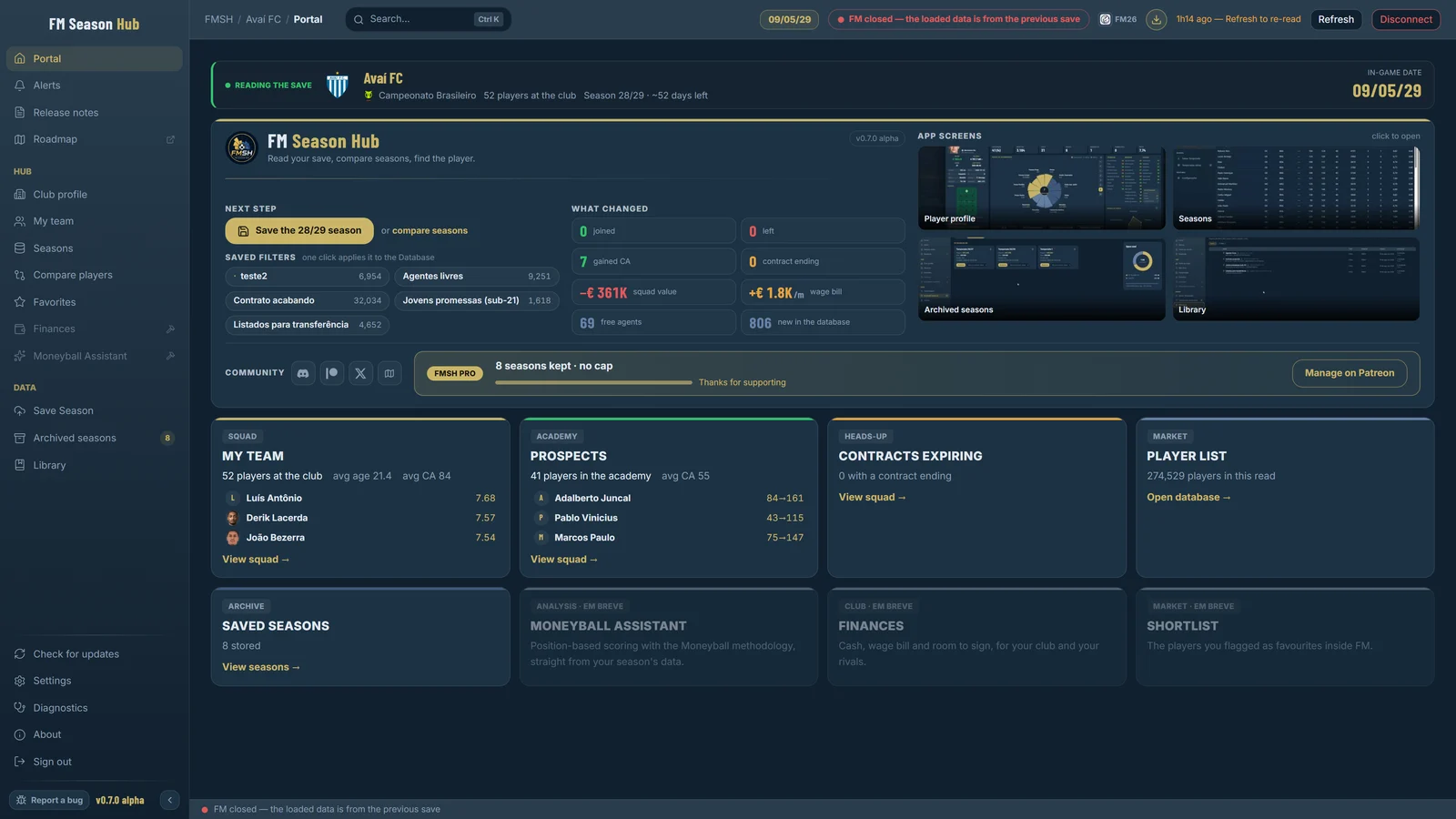
Real FMSH screens running with FM26. The pack has them at 3840 × 2160 (4K), good for cropping and zooming in your video.
Suggested copy
These are only suggestions: make them your own. Replace {YOUR_CODE_OR_LINK} with your link before publishing.
Suggested description
FM Season Hub (FMSH): the ultimate season analysis hub for Football Manager.

Check out the app:
Website: https://fmseasonhub.com/
Early access (version 0.7, for supporters): https://www.patreon.com/cw/fmsh
X: https://x.com/FMSeasonHub

My link/code: {YOUR_CODE_OR_LINK}

What FMSH does:
- Reads FM26 and FM24 while the game is open and saves every season to compare later (no save upload)
- Full player database with advanced filters and Moneyball-style stat columns
- Profile with a 0 to 100 overall, attributes, personality radar and the match rating of any player
- Side by side player comparison and a Screenshot button to post
- Optional plugins: TacticalCam and PitchHUD

Available for Windows. Works with FM26 on Steam, Xbox/Game Pass and Epic, and with FM24 on Steam. App available in 6 languages: Portuguese, English, Spanish, French, German and Turkish.

Notice: FMSH version 0.7 is early access, exclusive to Patreon supporters.
Notice: FMSH is an independent project, not affiliated with SEGA or Sports Interactive. Football Manager is their trademark.

#FM26 #FM24 #FootballManager26 #FootballManager #FMSH #FMSeasonHub #Moneyball #FMScouting #FMStats #FMCareer #FMCommunity
Suggested: about FMSH
FM Season Hub (FMSH) is a Windows app that reads Football Manager 26 and 24 while the game is open and saves every season so you can compare them later, with no file to export or upload. You get the full player database with advanced filters and Moneyball-style stat columns, plus profiles with a 0 to 100 overall and the match-by-match rating of any player, not just the ones you are watching in game. You can compare two players side by side and post the image in seconds. Available for Windows: it works with FM26 on Steam, Xbox/Game Pass and Epic, and with FM24 on Steam, in 6 languages.
Suggested titles
- This app analyzes your whole FM26 season in seconds
- I found the best FM26 players with FM Season Hub
- Moneyball in Football Manager 26: filters and ratings for every player
- How to compare FM26 players side by side (and post the image)
- I tried FM Season Hub: the ultimate season hub for FM26
Suggested thumbnail phrases
- Analyze your entire season in seconds
- The match rating of every player, for anyone
- Moneyball in your FM, nothing to export
- Compare two stars side by side
- Every season saved, ready to compare
Hashtags
Official links
Always use these links. Do not host the FMSH installer anywhere else.
FMSH version 0.7 is early access, exclusive to Patreon supporters.
FMSH is an independent project, not affiliated with SEGA or Sports Interactive, and Football Manager is their trademark.